

Adding a New Share Class
Create the Share Class
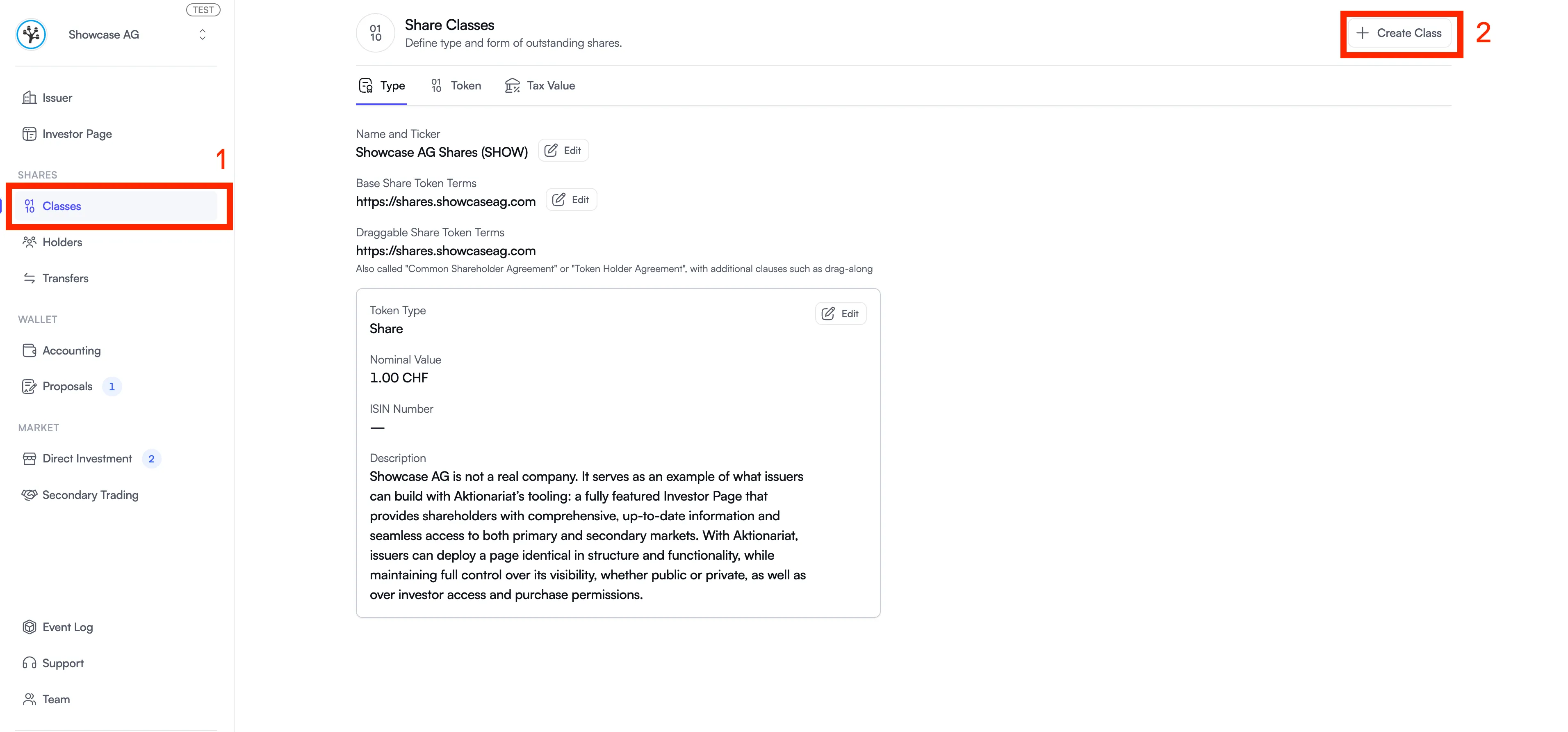
Section titled “Create the Share Class”Navigate to the “Classes” tab and click “Create Class” in the top right corner.
Fill in the required fields with your share class details, then click “Add Share Class”.
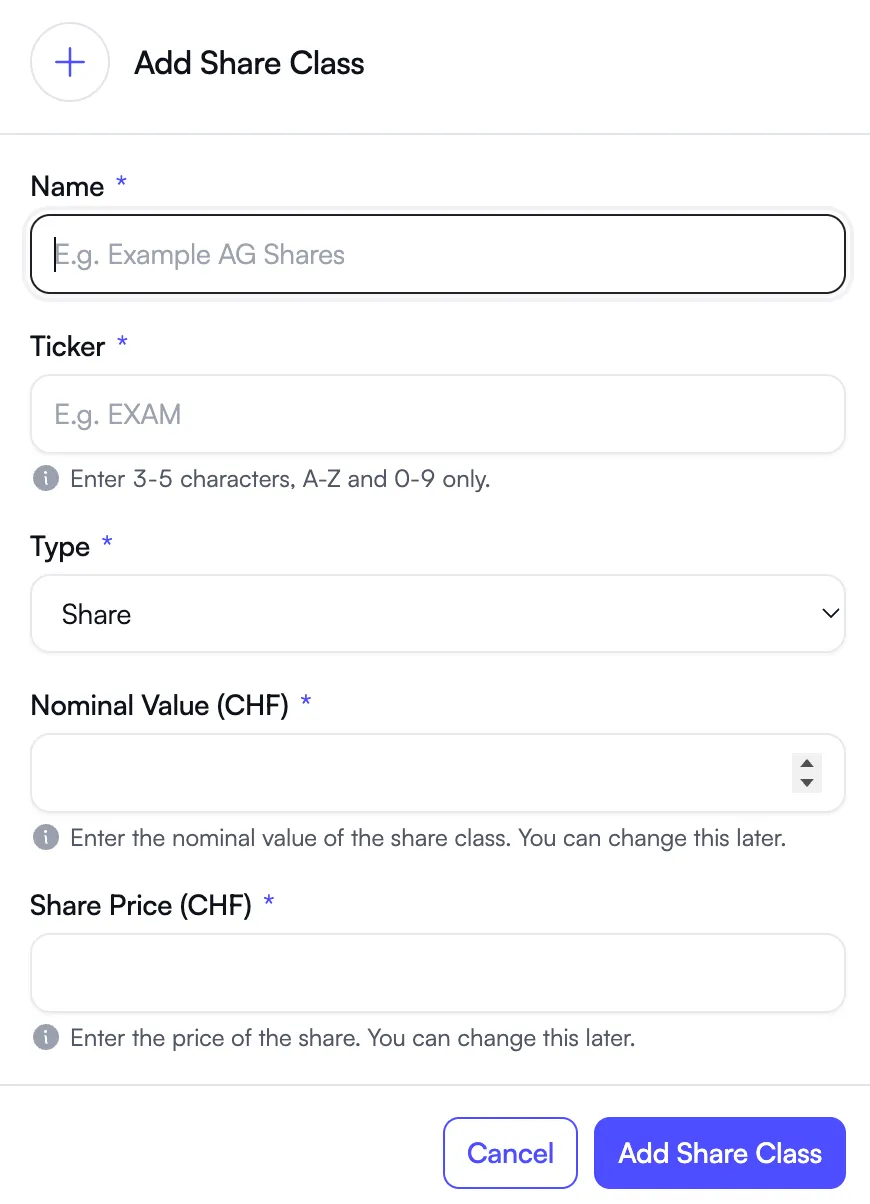
Your new share class will immediately appear in the Issuer Portal.
Import Shareholders
Section titled “Import Shareholders”Once the share class is created, head to the “Holders” tab to import the shareholders for this share class.