

How to Transfer Tokens to Another Wallet
1. Open the Portfolio App
Launch the Aktionariat Portfolio App on your device.
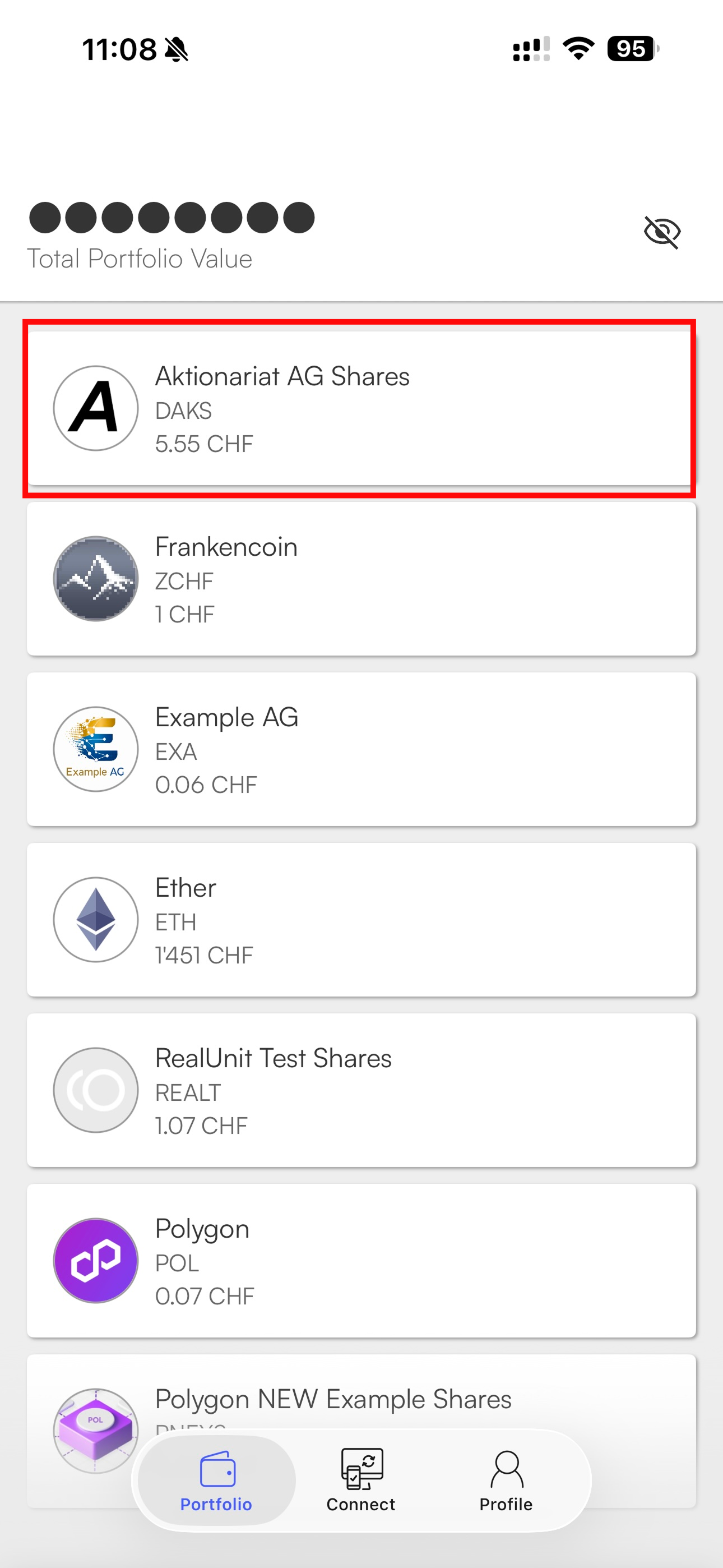
2. Select the asset you want to transfer
Go to the Portfolio page and tap on the token you want to send.
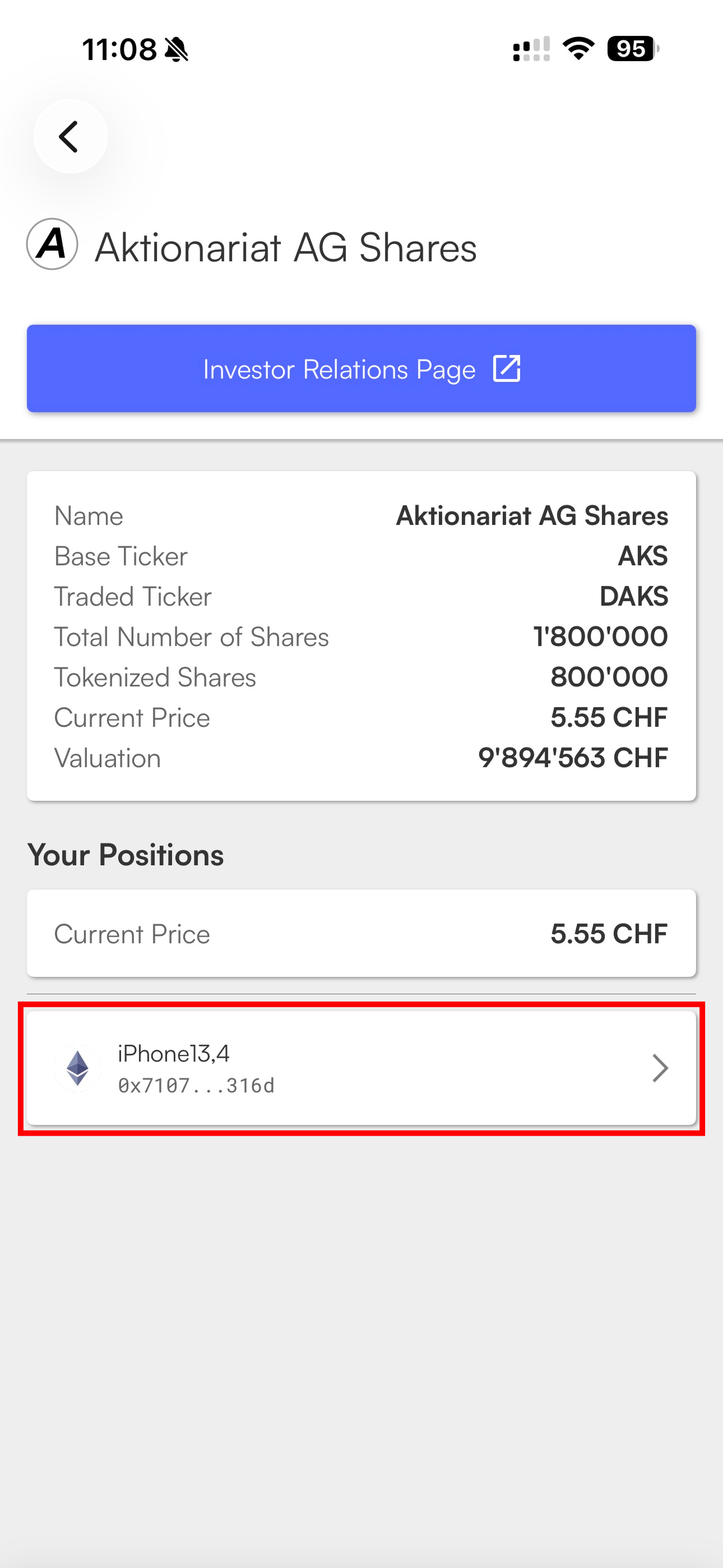
3. Tap on your wallet
Scroll down to your positions and tap on the wallet holding the tokens.
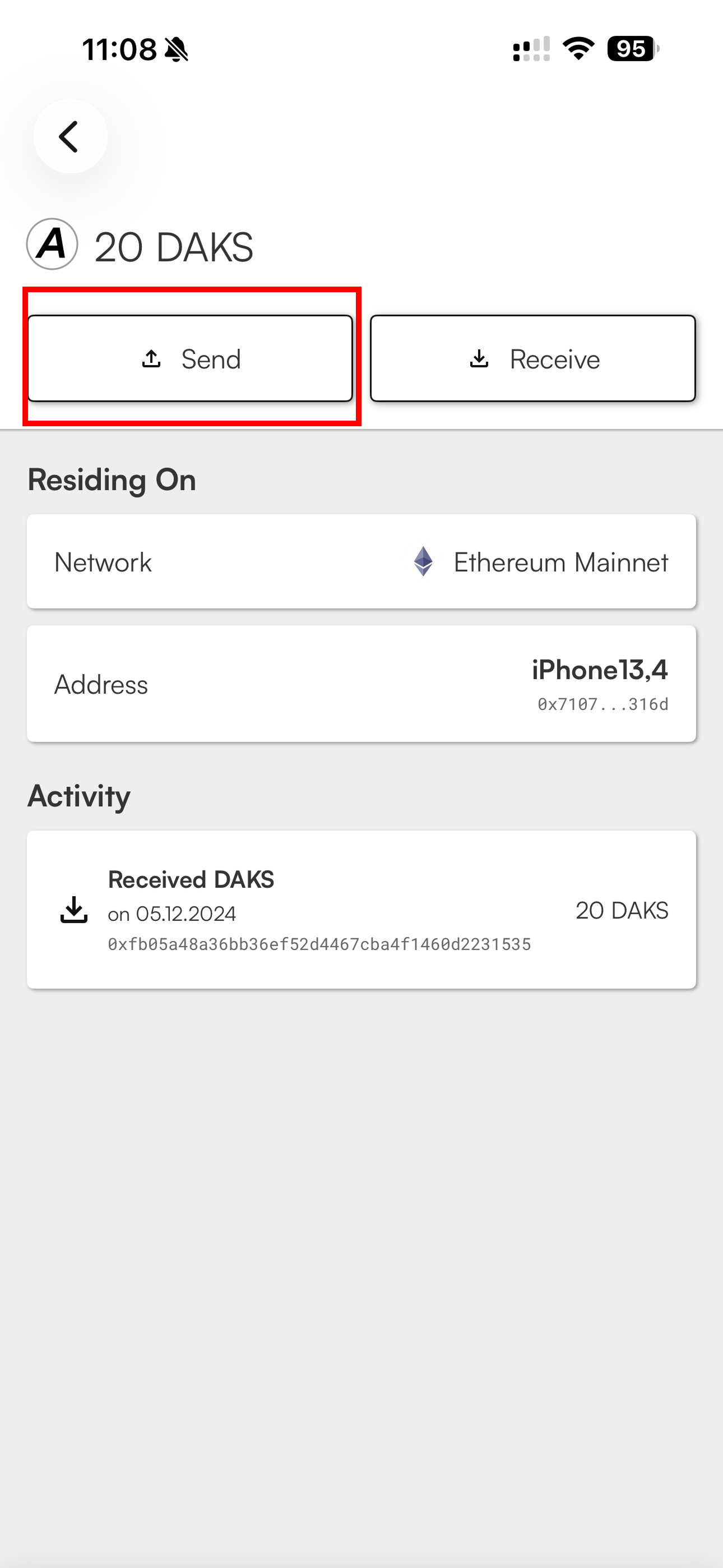
4. Tap Send
Select Send from the available options.
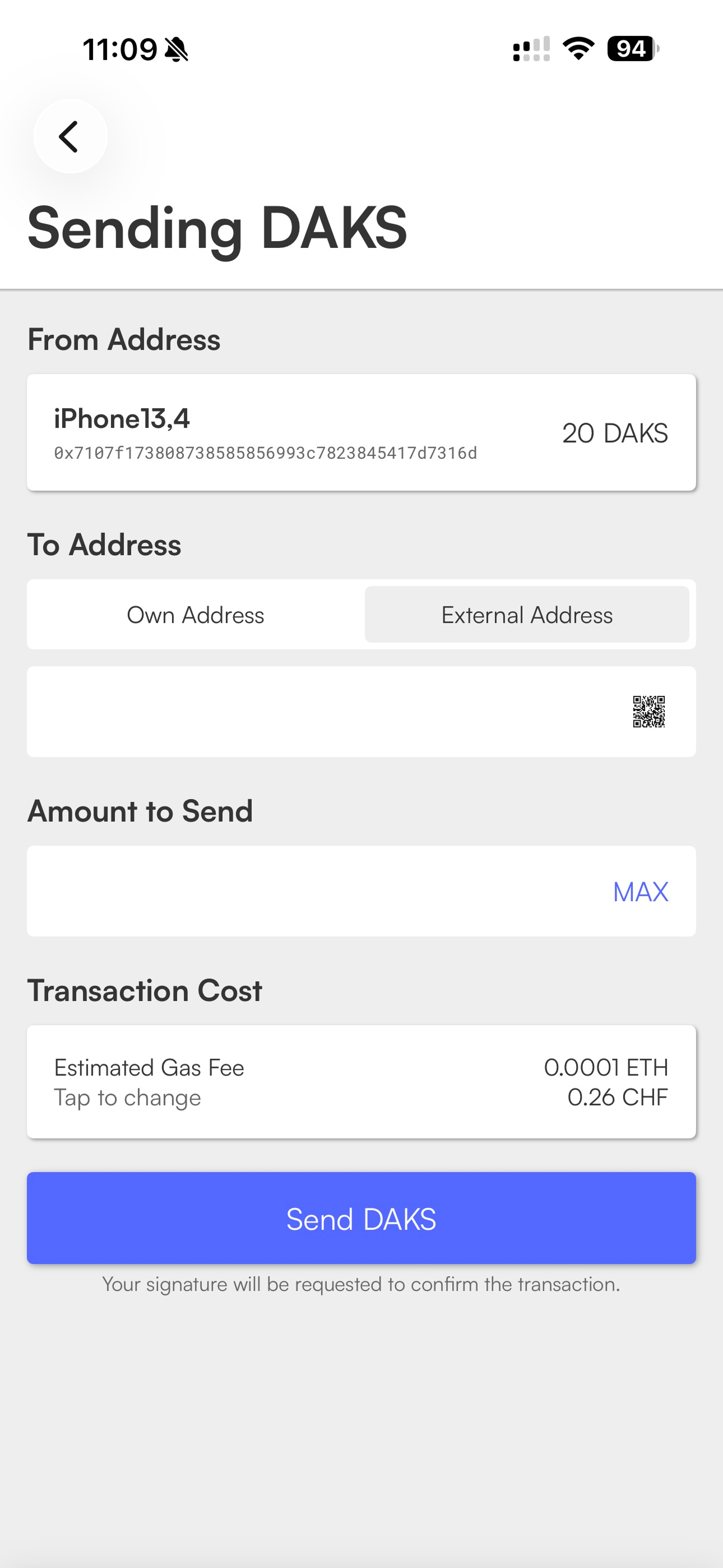
5. Enter the recipient’s address
Choose External Address, then either:
- Type in the recipient’s wallet address manually, or
- Tap the QR code icon and scan the QR code provided by the recipient.
6. Enter the amount
Type in the number of tokens you want to send.
7. Review the transaction fee
The app will display the estimated gas fee — the cost charged by the blockchain to process the transaction. This fee is not set by Aktionariat and can vary depending on network activity.
8. Confirm and send
Review all details, then tap Send to submit the transaction.
9. Approve the transaction
Follow the final confirmation step to authorize the transfer.