

Requesting Signatory Power
To sign proposals in the Issuer Portal, a team member must first be granted signatory power.
How to Request Signatory Power
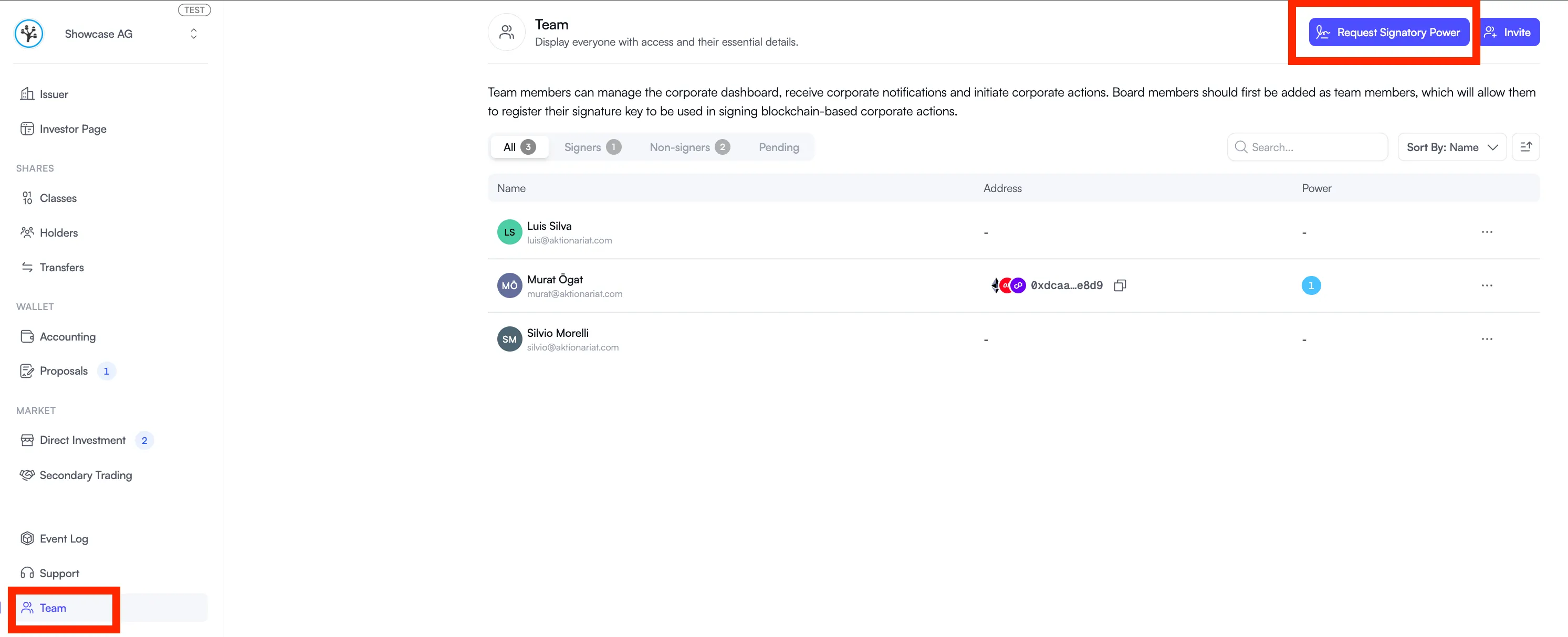
Section titled “How to Request Signatory Power”- Open the Issuer Portal and navigate to the “Team” tab.
- Click “Request Signatory Power” in the top right corner.
- Verify your wallet and select the chain.
- Choose your co-signatories.
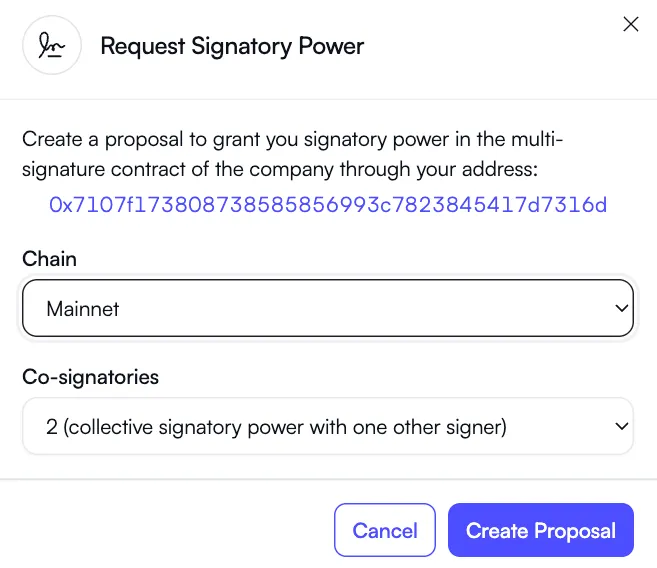
- Click “Create a Proposal”. This generates a proposal that must be approved by team members who already hold signatory power. Once they sign it, the signatory power is granted.